
 Sign in
 Sign up


How to Choose Your First Gimbal Drone: A Beginner’s Guide
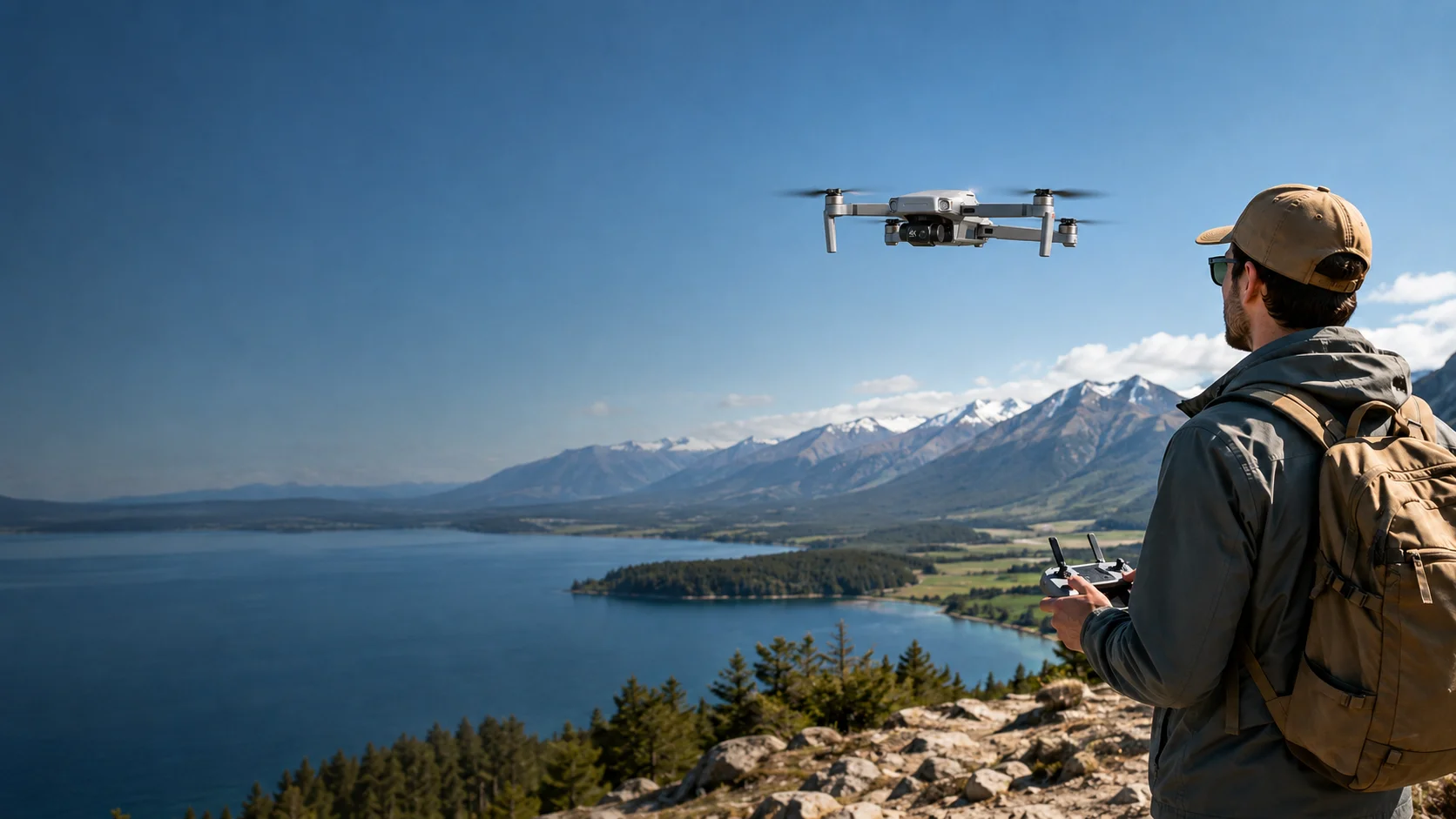
How to Choose Your First Gimbal Drone: A Beginner’s Guide
What actually matters when smoother video becomes part of the reason you want a drone.
Learn how to compare stabilization, camera specs, weight, flight time, safety features, batteries, and controller options—without paying for capability you may not need yet.
Buying your first camera drone is relatively simple when your main goal is learning to fly. Buying your first gimbal drone is different: now the footage matters too.
That does not mean you need the longest transmission range, the biggest camera specification, or the most expensive creator platform. It means you need to know which features actually improve the experience you want.
A good first gimbal drone should be easy enough to carry and fly, capable enough to produce footage you are happy to keep, and simple enough that you spend more time using it than managing it.
Do not start with the longest specification list. Start with the footage you want to capture.
Start With the Footage You Want to Capture
Before comparing drones, decide what you actually want to bring home after a flight. A beginner who wants a few aerial photos has different needs from someone who wants smooth travel clips or carefully planned landscape shots.
Everyday recording: family outings, parks, short trips, and casual clips.
Travel footage: landscapes, road trips, coastlines, and destination views.
Learning aerial video: reveals, pull-aways, tracking moves, and smoother turns.
Creator use: a more advanced camera workflow where image quality and control matter more.
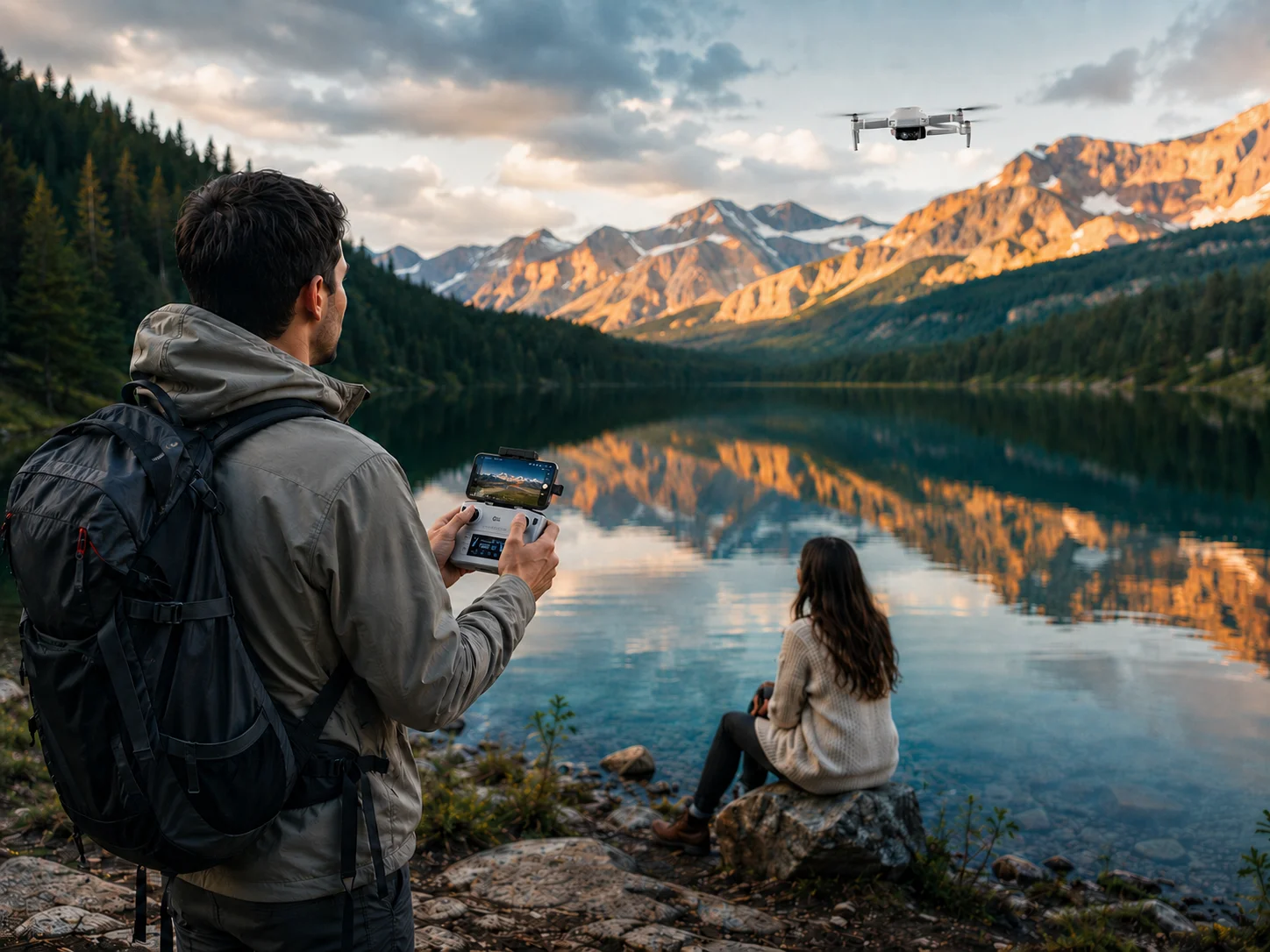
If your main goal is simply seeing the world from above, a basic camera drone may still be enough. If you already know that smooth moving footage matters, mechanical stabilization becomes a much more important buying criterion.
Make Sure It Has a Real 3-Axis Gimbal
If smoother video is the reason you are moving beyond a basic camera drone, check the stabilization system carefully. EIS stabilizes the recorded image digitally, while a 3-axis gimbal physically moves the camera to counter aircraft motion.
Pitch, roll, and yaw describe three different directions of aircraft movement. A real 3-axis gimbal is designed to compensate across these axes, helping the camera stay visually steadier during forward flight, turns, sideways movement, and slow cinematic shots.
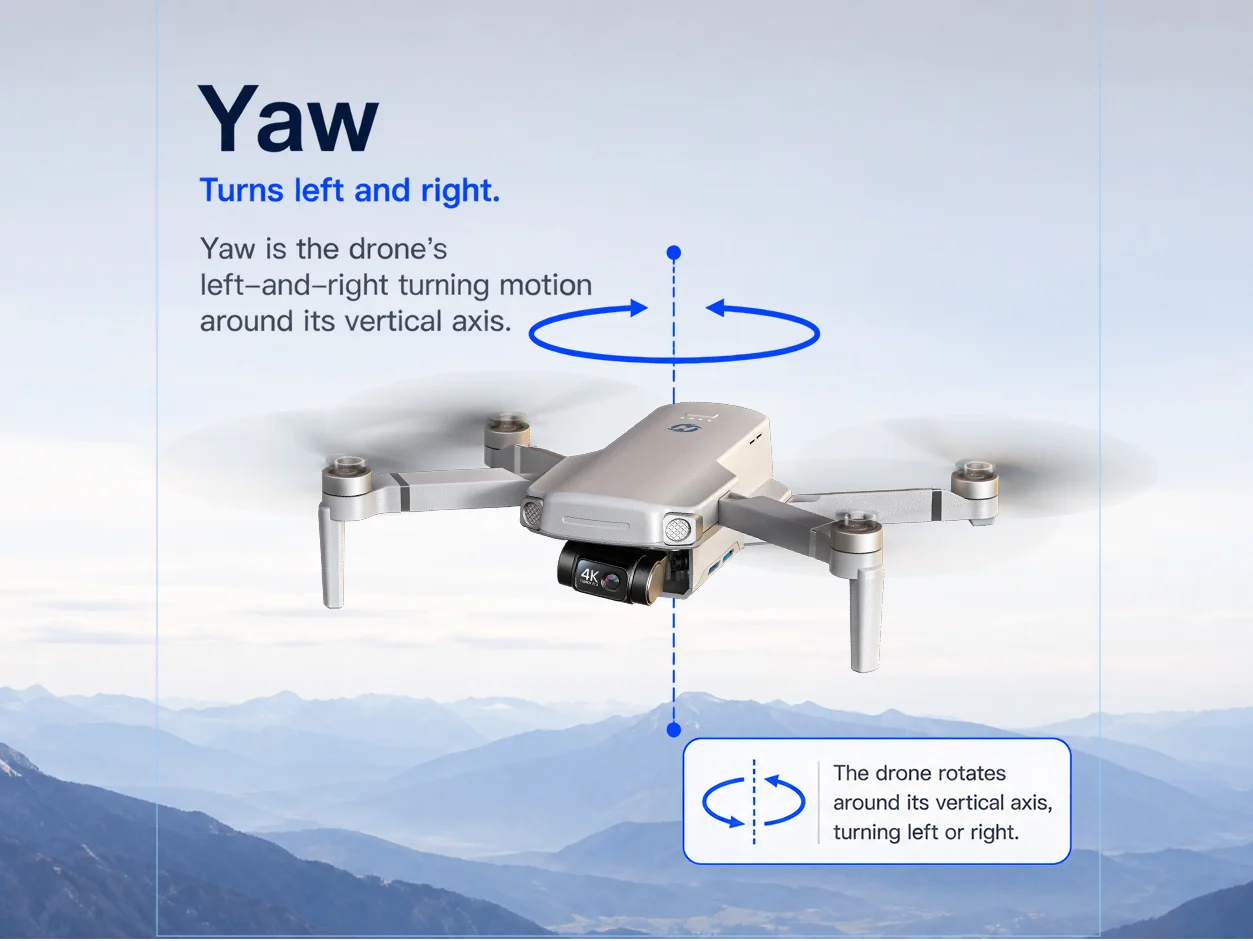
Yaw
Turns left and right around the vertical axis.
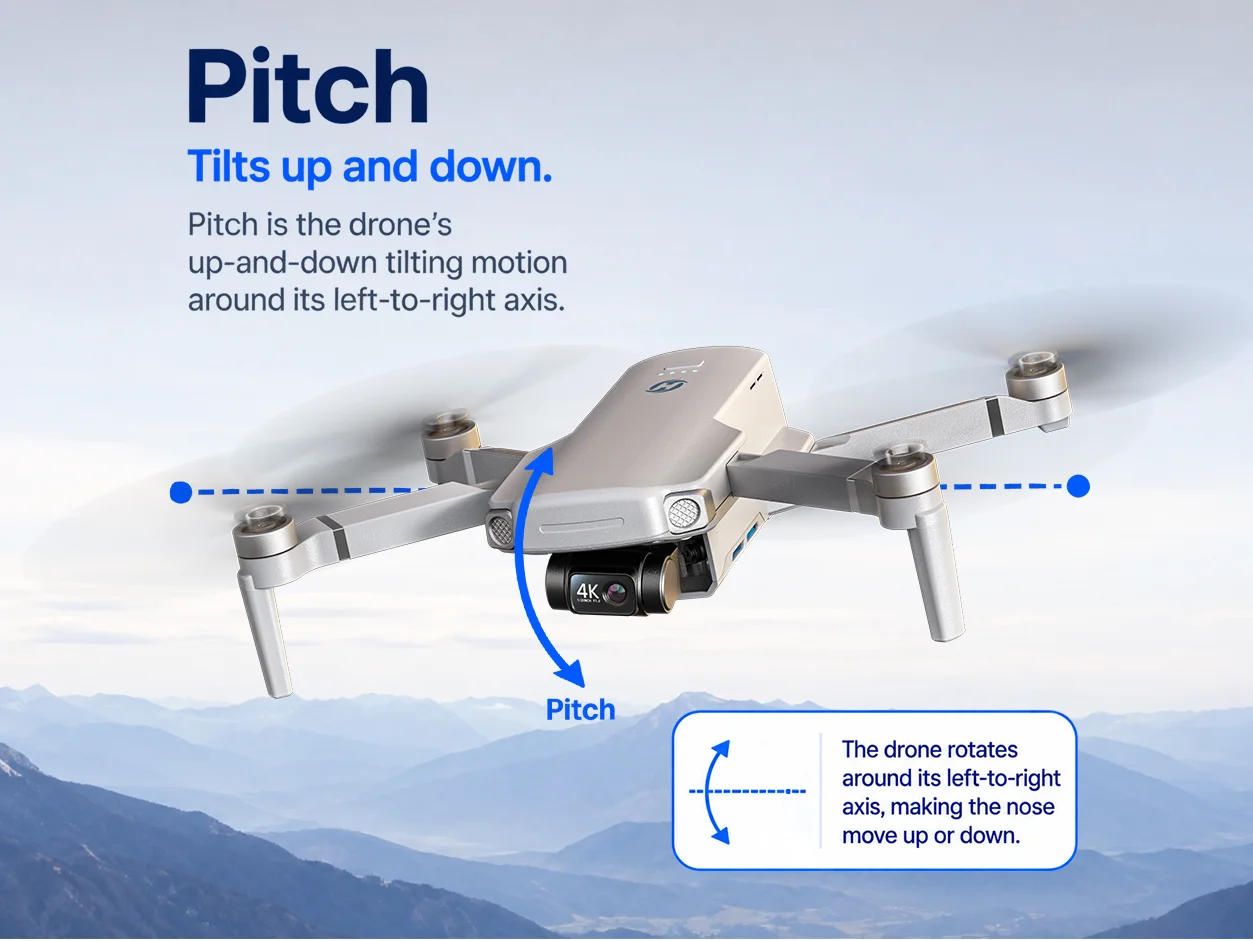
Pitch
Tilts up and down around the left-to-right axis.
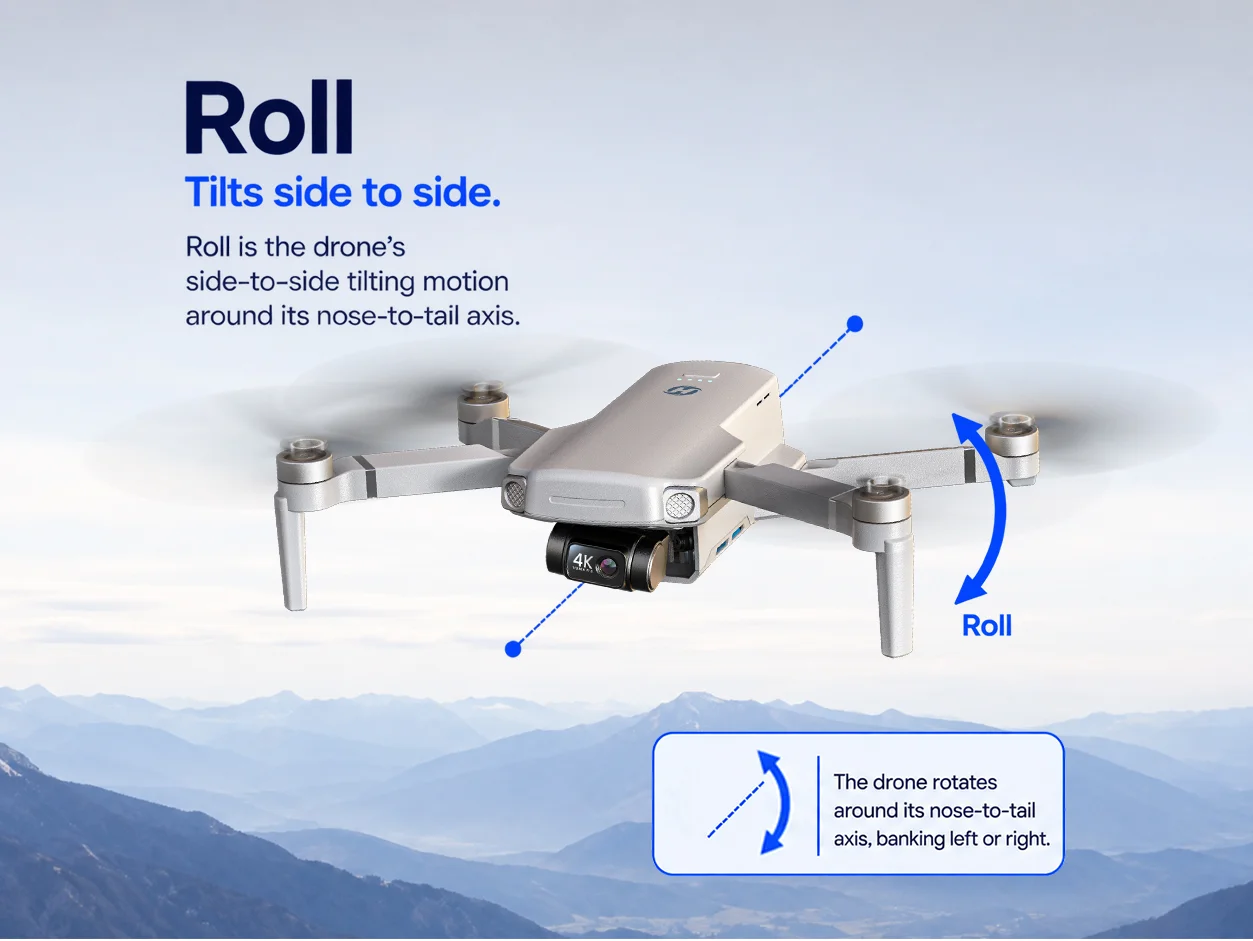
Roll
Tilts side to side around the nose-to-tail axis.
If smooth video is a priority, look for a clearly specified 3-axis mechanical gimbal—not just “stabilization” in the feature list.
Still deciding whether you need mechanical stabilization? Read our Gimbal vs EIS guide for a side-by-side explanation.
Do Not Overlook Weight
The best camera drone is not useful if you keep leaving it at home. For a first gimbal drone, portability can matter almost as much as the camera.
A lighter, more compact setup is easier to pack for a weekend trip, family outing, or spontaneous flight—so it is more likely to become part of what you actually bring with you.
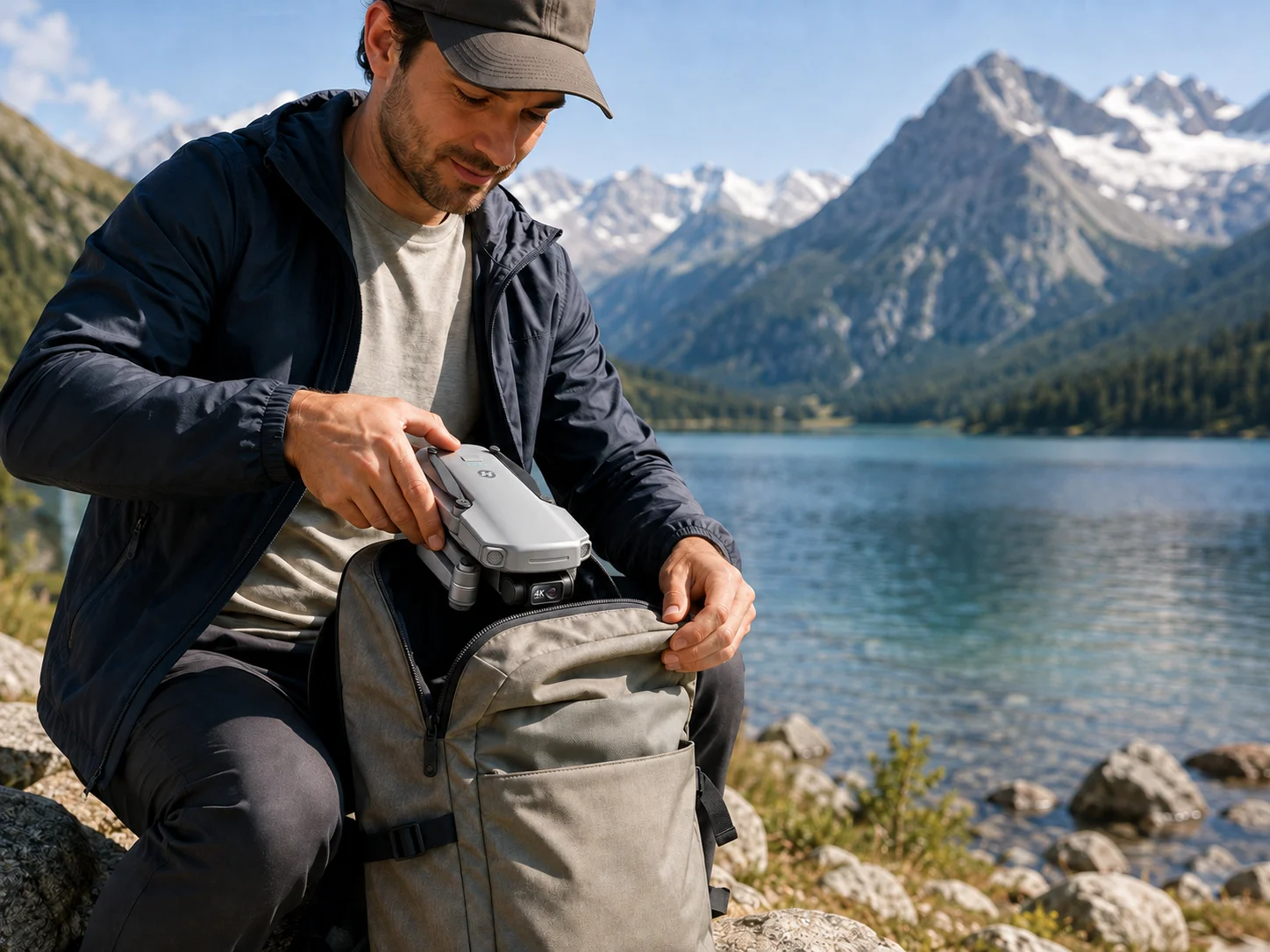
Easier to Bring Along
A lighter, compact drone is easier to add to a day bag, weekend trip, or family outing.
Less Setup Friction
Smaller gear is easier to carry between locations when you want several different shots.
But Do Not Choose by Weight Alone
The lightest option is not automatically the best if it gives up the camera, flight time, or outdoor capability you actually need.
Choose the lightest drone that still gives you the camera and flight capability you actually need.
Weight can also affect local operating requirements, so always check the rules that apply where you plan to fly.
Camera Specs: What Matters Beyond “4K”
“4K” is useful information, but it does not tell you everything about how a drone camera will perform. Two drones can both advertise 4K and still produce very different-looking footage.
When comparing a first gimbal drone, look at the camera system as a whole.
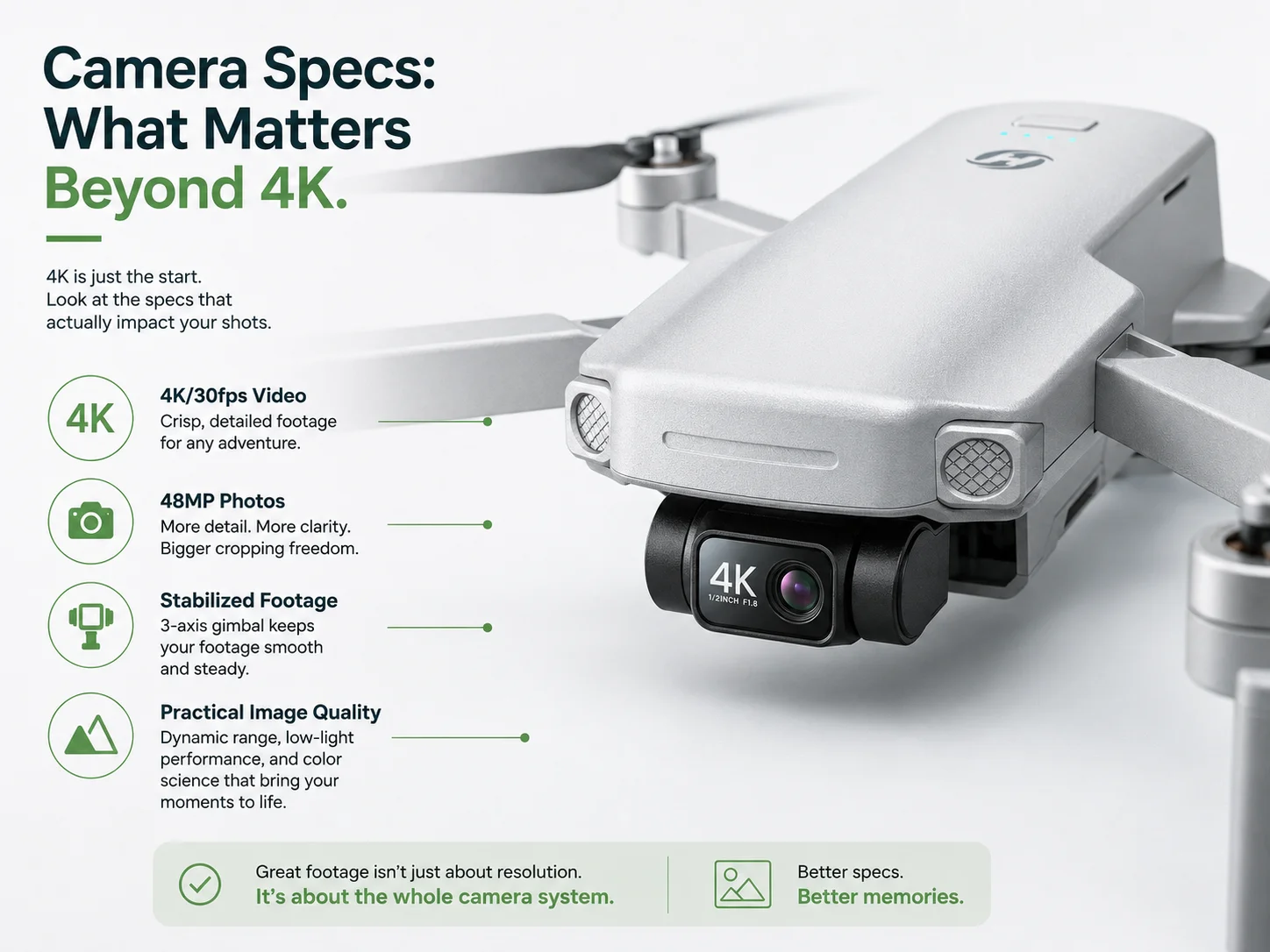
Video Resolution & Frame Rate
Resolution tells you how much detail can be recorded; frame rate affects how motion is captured.
Photo Resolution
Higher-resolution stills can give you more detail and cropping flexibility for aerial photos.
Stabilization
A gimbal helps determine how controlled the camera looks while the aircraft is moving.
4K tells you how much detail can be recorded. A gimbal helps determine how controlled that detail looks in motion.
How Much Flight Time Do You Really Need?
Published flight time is not the same as usable filming time. A real session includes takeoff, finding the composition, repositioning, repeating a shot, and keeping enough battery in reserve to return safely.
These are practical use cases, not strict thresholds. Battery quantity and your flying style can matter as much as the maximum flight time of one battery.
Transmission Range: Do Not Buy the Number Alone
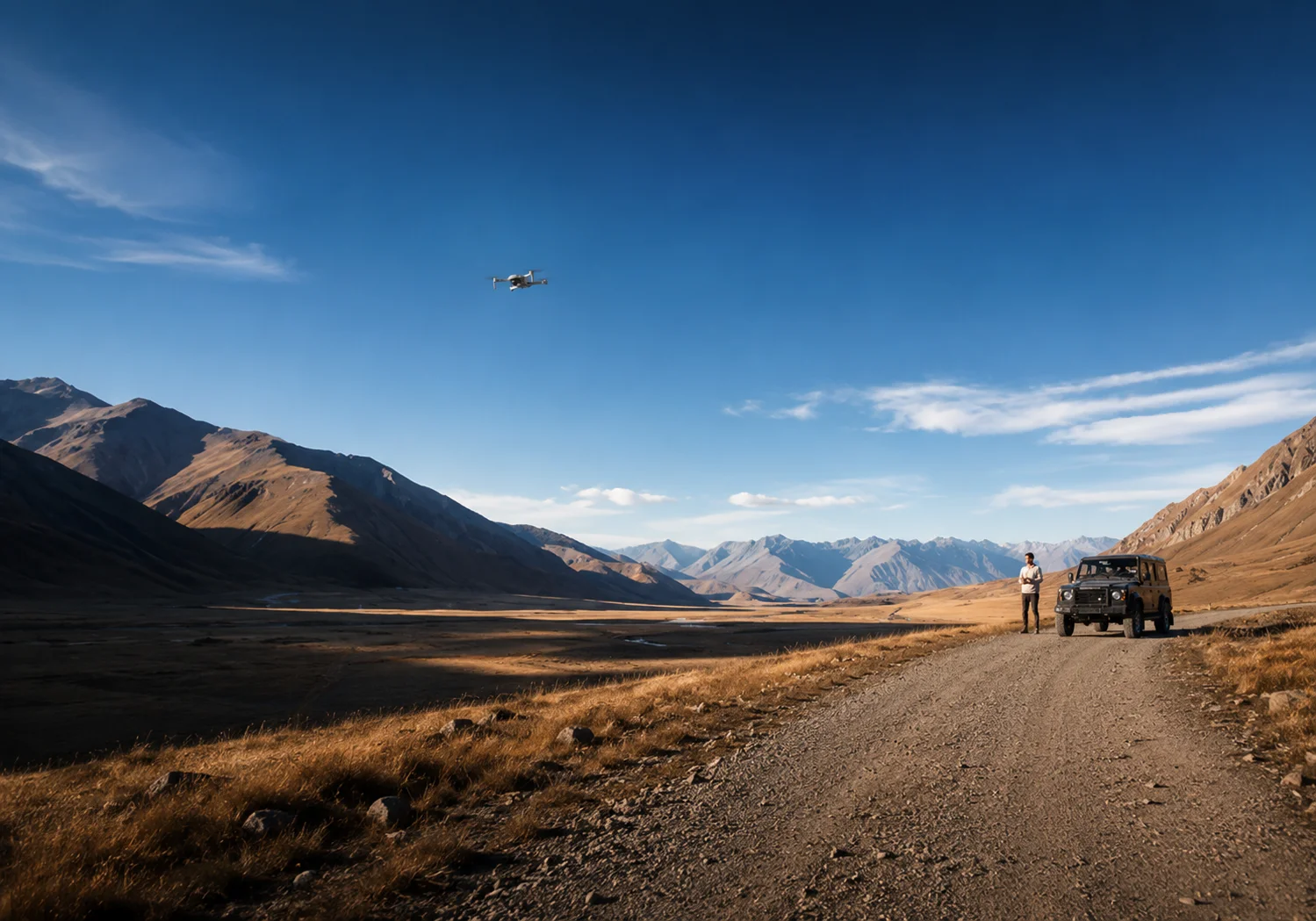
A long advertised transmission range sounds impressive, but it should not be the only reason you choose a drone—especially for a first-time gimbal buyer.
Maximum range is a capability limit measured under specific conditions. In everyday use, connection quality, the flying environment, local rules, battery reserve, and your own confidence all matter.
Look for a reliable live view and control experience that supports the way you actually plan to fly.
Beginner Safety Features You Should Not Skip
A gimbal improves the camera experience, but your first gimbal drone still needs to be a drone you can operate with confidence. For beginners, flight assistance features are part of the buying decision—not extras.
GPS Positioning
Helps the drone hold position and supports location-based flight functions.
Return to Home
Provides an important recovery option when conditions or battery status require it.
Battery & Flight Status
Clear battery, connection, and flight information helps you make better decisions while learning.
Stable Hovering
A stable platform makes learning controls and composing shots easier.
One Battery or a Multi-Battery Kit?
Extra batteries do not change the camera, but they can completely change how relaxed a filming session feels.
Choose a Single-Battery Setup if...
You mainly want to try gimbal flying without buying a larger kit.
Your flights are short and close to home.
Keeping the initial cost lower matters most.
Choose Multiple Batteries if...
You fly on weekend outings or day trips.
You expect to repeat shots or move between locations.
You want more time to practice without watching one battery constantly.
Standard Controller or Built-In Screen?
The controller changes the convenience of the flying setup more than the quality of the footage. Neither option is automatically better—it depends on how self-contained you want the flying setup to be.
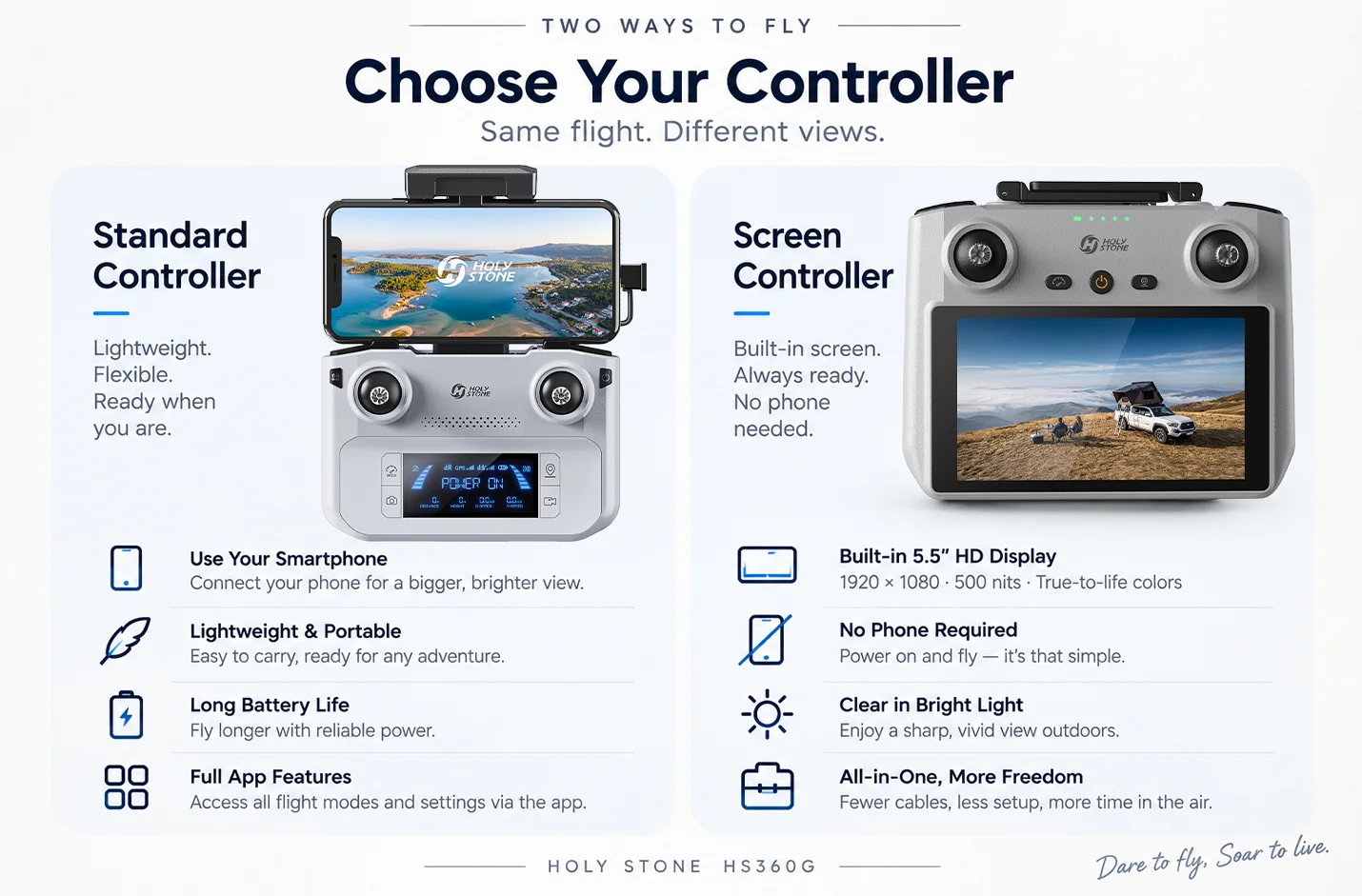
Standard Controller + Phone
Best if you prefer a lighter, simpler, lower-cost setup and do not mind connecting your phone before flight.
Controller With Built-In Screen
Best if you want a more self-contained flying setup with fewer steps before takeoff.
Choose based on how self-contained you want the flying setup to be—not on which controller looks more advanced.
How Much Should You Spend on Your First Gimbal Drone?
Instead of starting with a price ceiling, think about the level of capability you are actually ready to use. Your first gimbal drone does not have to be your final creator drone.
Basic GPS Camera Drone
Best when learning to fly and taking casual photos matters more than mechanical stabilization.
First Gimbal Drone
A strong middle step: mechanical stabilization, practical GPS functions, portability, and a camera system you can grow into.
Advanced Creator Drone
Better suited to users who already know they want a more advanced imaging, sensing, or production-oriented workflow.
Moving to a gimbal does not mean you need to jump straight to the most advanced drone in the lineup.
A Simple First-Gimbal Checklist
If you want a quick way to narrow your shortlist, use these questions before comparing small differences in specifications.
Real 3-Axis Gimbal?
Confirm that the camera is mechanically stabilized on three axes.
Camera That Fits Your Use?
Choose the resolution and recording capability you will realistically use.
Practical Flight Time?
Leave enough time for composition, repeated takes, and a safe return.
GPS + Return to Home?
Do not trade away core flight confidence just to gain a camera specification.
Weight You Will Carry?
Think about where the drone will actually go with you.
Controller You Prefer?
Decide whether you want to use a phone or prefer a built-in display.
Enough Batteries?
Match the battery setup to short flights, practice sessions, or day trips.
Support & Spare Parts?
Consider the ownership experience after the first flight, not only the launch-day feature list.
Where HS360G Fits
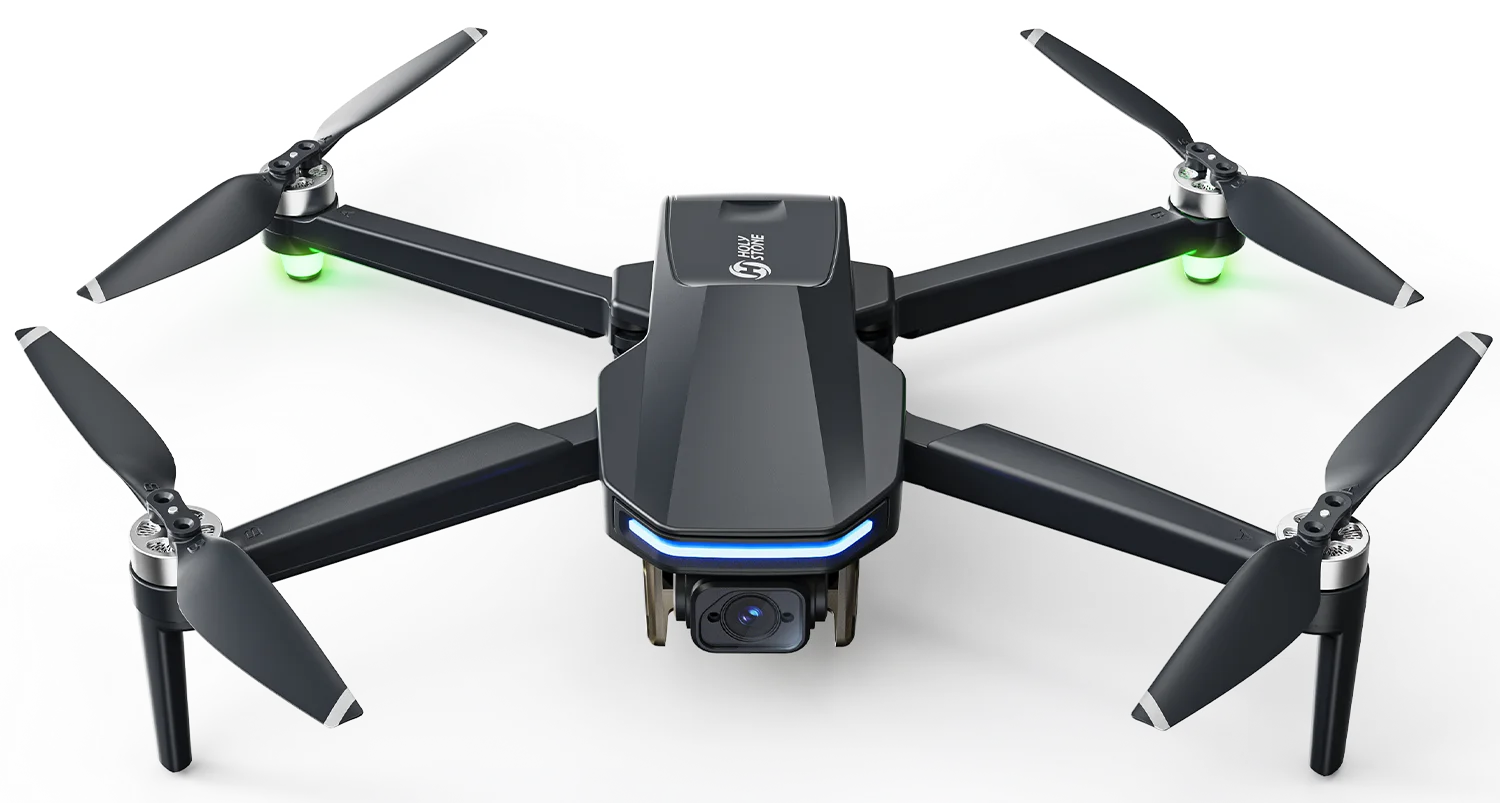
HS360G is positioned for pilots who have moved beyond “I want a camera on a drone” and are starting to care about how smooth their footage looks—but who still value a lightweight, accessible setup.
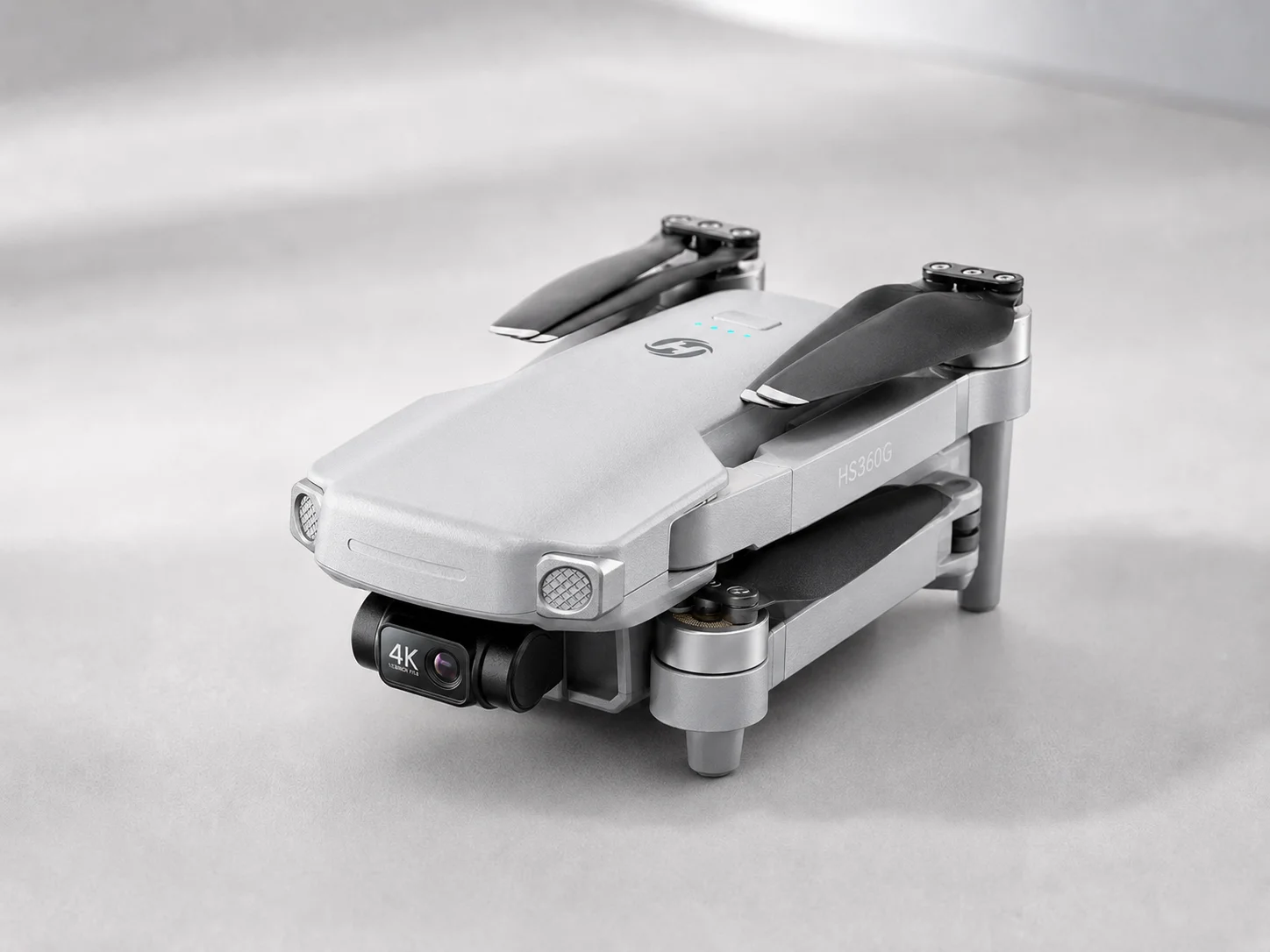
A Lightweight Entry Into Mechanical Stabilization
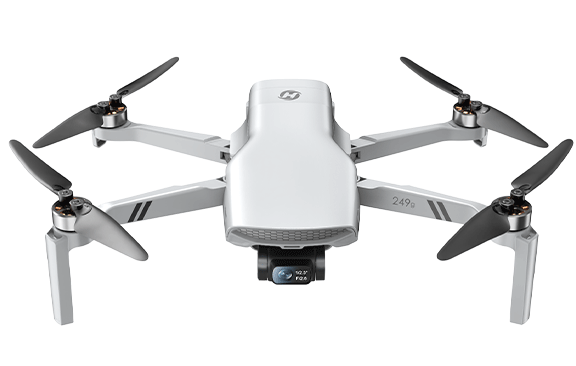
The HS360G combines a 3-axis gimbal with a lightweight 249g design, 4K/30fps video, and 48MP photos. It is intended for users who want smoother aerial footage without immediately stepping into a larger or more advanced creator platform.
Different package configurations also let buyers choose between a simpler entry setup and more complete multi-battery or screen-controller options.
Frequently Asked Questions
Is a 3-axis gimbal worth it for a beginner?
Yes, if smoother video is one of the main reasons you want a drone. If you are only learning basic flight controls, a simpler camera drone may still be enough.
How much flight time should a beginner look for?
Look for enough time to compose shots, practice, and return safely rather than focusing only on the largest advertised number. Extra batteries can be just as important for longer outings.
Do I need a controller with a built-in screen?
No. A standard controller with a phone can work well. A built-in screen mainly makes the setup more self-contained and reduces the need to connect a separate phone before flying.
Is a lightweight drone better for beginners?
A lightweight drone can be easier to carry and more convenient for everyday use, but weight should be considered together with camera capability, flight time, outdoor performance, and local rules.
Should I buy extra batteries with my first gimbal drone?
Extra batteries are useful if you plan to practice longer, travel, repeat shots, or move between several locations in one outing. For short occasional flights, a single-battery setup may be enough.
Ready to Choose Your First Gimbal Drone?
Start with the footage you want, then choose the stabilization, battery setup, controller, and camera capability that fit the way you actually plan to fly.
Explore HS360G

COMMENTS